
The Minnesota Statewide Case Search
Minnesota Court Records Online (MCRO) is the Judicial Branch's search tool. It covers District Court cases in all 87 counties. You can search the whole state or pick specific locations. It costs nothing. No account is required. Pick the tab that matches your Minnesota search type, since the fields differ from tab to tab. Add filters like location, case category, or filing date only when a broad docket search needs narrowing.
- Open MCRO Case Search and select Name, Case Number, Citation Number, or Attorney.
- For a Minnesota name search, enter the required name, number, or attorney field; add optional filters only when known.
- Check the case number and title, then use the Minnesota county office for a certified copy or missing file.
| Field label or control | Type | Required | Search note |
|---|---|---|---|
| Name / Case Number / Citation Number / Attorney | Search tabs | Select one path | Each tab changes the fields below it. |
| Name Type | Choice | Not specified | Choose Person or Business. |
| Last Name / Business Name | Text | Yes for name search | Minnesota name matching is exact by default; an asterisk wildcard or Sounds Like can broaden it. |
| First Name | Text | Optional | Try spelling variants if a name search misses a case. |
| Middle Name | Text | Optional | Search with or without a full middle name or initial. |
| Sounds Like | Checkbox | Optional | Phonetic matching; cannot be combined with the wildcard. |
| Case Number | Text | Yes in this mode | Full Minnesota file number, with or without hyphens or leading zeros; no spaces. |
| Citation Number | Text | Yes in this mode | Enter the citation number as issued. |
| Attorney Name / Bar Number | Text | Yes in this mode | Search by the attorney’s name or bar number. |
| Date of Birth | Date | Optional | Use the exact date when known. |
| Date Filed | Date or range | Optional | An exact date or from-and-to range may narrow results. |
| Case Category | Selector | Optional | Choices include Civil, Criminal, Family, Probate, or Mental Health. |
| Case Status | Dropdown | Optional | Available; published help does not list the option names. |
| Court Locations / County | County selector | Optional | Search statewide or choose from all 87 Minnesota county locations. |
| Find / Clear | Buttons | Neither | Run the selected search or clear its current fields. |
The official MCRO access page collects Minnesota court guides and lists which records are online. Check it whenever live field labels differ from this table.
Note: The county selector includes every Minnesota county, but county choice cannot override a case type or document restriction.
Minnesota Case Search Tabs
MCRO gives you four search tabs because each lookup is its own task. Case Search opens a Register of Actions for a case. Document Search starts from a Minnesota court file number and returns public online documents. Hearing Search finds scheduled Minnesota District Court hearings. Search them by name, case number, judicial officer, or attorney. Judgment Search covers docketed money judgments and their satisfaction history.
Appellate cases live in P-MACS instead. Owe a fine? Find the citation or case number first, then take it to the Court Payment Center. Paying a fine does not replace a docket search.
The official Minnesota MCRO Case Search form lays out each of these lookup methods. It gathers them in one place. The form is public, displayed with no party record entered.
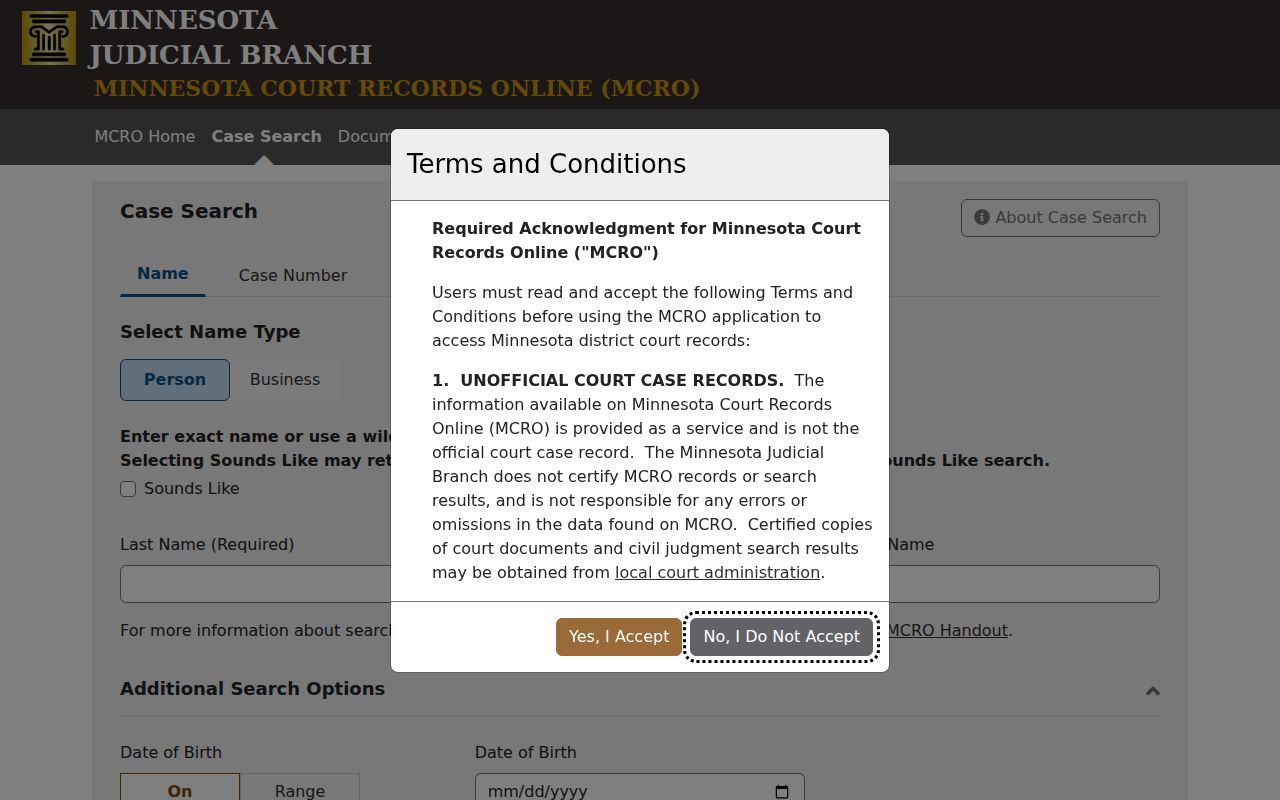
The blank form lets you choose a case-number, citation, name, or attorney path before typing anything. The official Minnesota MCRO Hearing Search carries its own controls for date or range, case category, location, and search method.
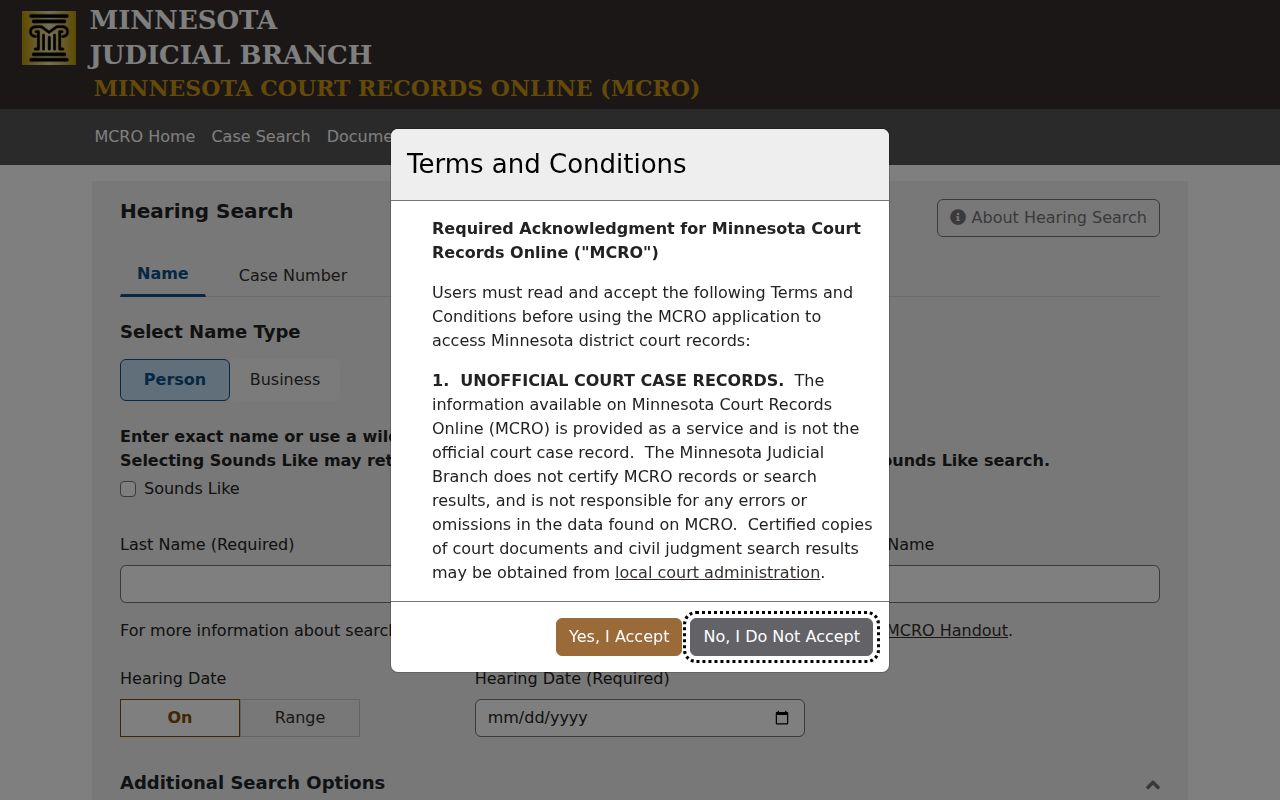
Hearing results confirm a hearing type and date and link to case details. For appearance instructions, trust the case notice or the county court office.
Searching by Case Number
A full Minnesota court file number sidesteps name-spelling and party-role headaches. The format runs a two-digit county code, case-type letters, a two-digit filing year, and a sequence number. Some counties add two location letters. MCRO accepts hyphens and leading zeros but rejects spaces. Citations take a separate path. A schematic number looks like CC-CR-YY-SEQ: county code, case type, year, sequence. The Minnesota court number guide explains that CR means mandatory appearance and VB means non-mandatory. Copy the full number from your notice. Citations run 12 digits as a rule, with parking tickets as the exception. The format breaks into a two-digit county code plus case-type letters. A two-digit filing year and a sequence number follow.
Note: Do not treat a Minnesota citation number and District Court file number as interchangeable once a case is filed.
Why Minnesota Case Searches Miss Names
MCRO matches names exactly by default. A middle initial, an alternate spelling, a business name, or a former name can change your results. The asterisk is the one supported wildcard. Minnesota name-search help suggests typing at least two known characters before it. Sounds Like widens a person-name search phonetically, though it cannot pair with the asterisk. For a Minnesota case, enter the full middle name and leave unknown filters blank. A separate rule hides some pending cases. It applies to criminal, traffic, and petty-misdemeanor cases without a conviction in defendant-name search. Even a continuance for dismissal counts as pending. Search instead by Minnesota court file number, citation, or attorney name or bar number. A name that returns nothing does not prove no Minnesota case exists.
What a Case Search Returns
In Minnesota, an MCRO result opens Case Details, labeled Register of Actions, listing parties, judicial officer, status, related cases, hearings, financial fields where applicable, and event links. Newest cases come first by default. Minnesota's guide describes oldest-first sorting and a 200-row limit. Open the case details rather than trusting a snippet. The event list is not the full court file and not a narrative history. An index can lack an image, omit party names, or show a charge outcome that differs from the case status. A hearing set for today may still sit under "Upcoming Hearings."
| Case number and title | The Minnesota court file identifier and case caption or style. |
|---|---|
| Case type and filing date | The category and date the Minnesota District Court matter opened. |
| Venue and judicial officer | The Minnesota court location and assigned judge or other judicial officer. |
| Parties and attorneys | Roles and representation, subject to remote-display rules in Minnesota. |
| Case Events | Event text, dates, and Minnesota document index numbers in reverse order. |
| Hearings and status | Past or upcoming settings and the system’s case-level status. |
| Charges, warrants, and financials | Fields shown only in relevant case types; verify what a flag or balance refers to. |
| Public documents | Links appear when the document is public and an online image is available. |
The Minnesota Judicial Branch Case Details handout illustrates these fields. When an event label is unclear, read the underlying order or filing.
Reading a Minnesota Register of Actions
"Register of Actions" is simply MCRO's label for the case activity register. Its Case Events list shows filing descriptions, dates, and document index numbers. Public links appear where they exist. An index helps you name a filing when asking the Minnesota county office for a copy. It does not guarantee an image is online. Use the register to follow filings, hearings, orders, and outcomes. Then check the document behind any important event. A continuance does not erase an earlier setting in a Minnesota case. A later notice may replace it. A "Closed" label alone settles nothing about an appeal, a related case, a warrant, or a balance.
Note: For a case deadline in Minnesota or a required appearance, use the newest court notice and confirm details with the proper court office.
Statewide vs County Case Search
The statewide Minnesota MCRO search is a starting point, not the whole file. It shows only what the rules allow for remote access. The full trial-court record sits with each county's District Court Administrator. That office answers local questions. It pulls eligible files and issues certified copies. County pages point you to offices, calendars, courthouse terminals, and copy service. There is no second database behind them.
Start with the Minnesota county directory to route a file request. The Minnesota District Court directory lists court administration contacts county by county. Courthouse computers often display more eligible court records than a remote docket search. Confidentiality and sealing rules still apply. Is an image or an older file missing? Call the Minnesota county office with the case number and document details in hand.
| Need | Statewide MCRO | County court administration |
|---|---|---|
| Find a District Court case | Search statewide or select county locations. | Confirm local file custody and route a case question. |
| Read the Register of Actions | View the public remote register and available event links. | Clarify an event or locate a paper or archived file. |
| Open a document | Download public online images that are available in MCRO. | Ask about records not imaged or accessible remotely. |
| Obtain a certified copy | Not a certified record. | Request the court-certified copy from the county custodian. |
Minnesota Case Search Without an Image
A docket entry with no clickable file is common in Minnesota. The document may never have been imaged. It may be excluded from remote access, predate the archive, or sit in a restricted case type. It does not mean the filing never happened. Broad MCRO document access covers public major and minor civil and criminal cases with filings dated July 1, 2015 and later. Family and other categories carry narrower rules.
Ask the County District Court Administrator for help. Give the case number, the event index line, and any description or filed date you have. Request an image, a terminal view, or a plain or certified copy, whichever is available. The Minnesota statewide copy form works for many requests. Some counties prefer local forms or store older files off site.
- Check the Minnesota case type and filing date against MCRO’s current document-access information.
- Keep the Minnesota court file number and document index with the event description.
- Ask the Minnesota county records custodian about terminal access, an archive search, or a copy.
P-MACS and Minnesota Appellate Cases
MCRO covers Minnesota District Court cases only. An appeal opens a separate appellate case. It has its own number, its own schedule, and its own docket entries. For Court of Appeals and Supreme Court records, use the Minnesota appellate courts' P-MACS service. The Minnesota Clerk of the Appellate Courts can supply what P-MACS cannot. Certified copies are one example.
A county Register of Actions may note an appeal notice or a transfer of the record. But appellate motions, briefs, orders, and opinions live in the appellate file, not the trial court's docket. One case, two connected records. To see where the appellate courts fit, read the Minnesota court system overview.
Access and Restricted Cases
Minnesota judicial records answer to the Minnesota Rules of Public Access. The usual Government Data Practices Act route does not apply. Minn. Stat. §13.90 pulls the judiciary out of chapter 13. It points to Supreme Court rules instead. Rule 4 draws the line between public and restricted records. Rule 8 separates courthouse inspection from remote access. A paper record open to the public may never appear online.
Some images are off limits even when the case file is public. MCRO excludes document images in some Minnesota case types. These include civil commitment, domestic abuse, harassment, felony delinquency for defendants 16 or older, and CHIPS cases. Family-case images are narrower still than civil and criminal ones. MCRO lists judgments, orders, opinions, and court-generated notices for certain types once remotely public. The window runs July 1, 2005 through June 30, 2015. Older documents have limited coverage. Sealed material follows its own order. Check Minnesota's current access table for category and date limits before assuming anything.
Access rule: A Minnesota remote search miss can reflect record type, name-search limits, date, or privacy rules. For a public file that is not online, ask the County District Court Administrator about the correct access path.
A Minnesota courthouse terminal opens more doors than a remote case lookup, but confidential material stays restricted. That includes juvenile-protection files. If a search comes up empty, verify the county and case number first, then ask the clerk before deciding the record does not exist.